



Get to know your computer to optimize it
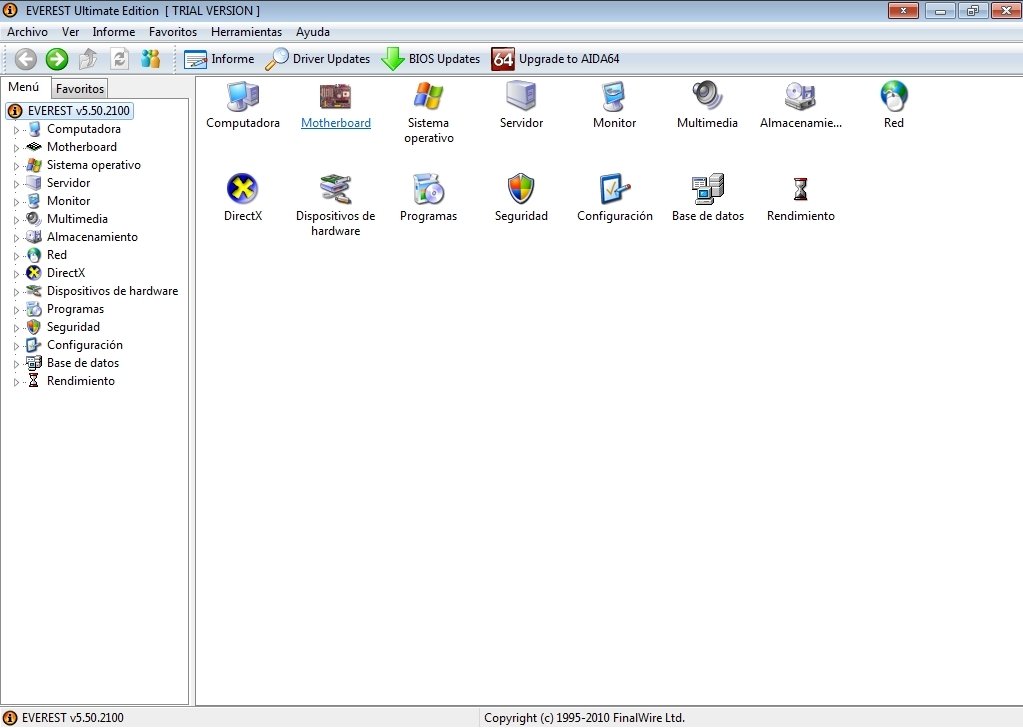
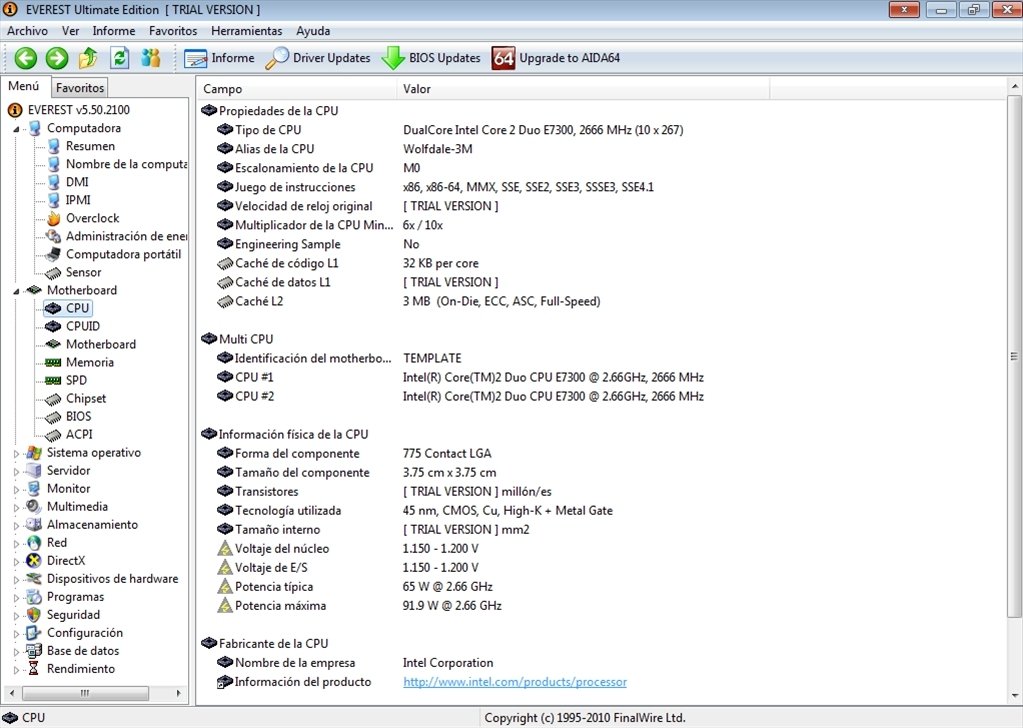
Everest Ultimate is a tool that can come in very handy to know even the slightest detail about your computer and thus improve and optimize its performance. This diagnostic and benchmarking program, that used to be known as AIDA 32, analyzes and generates reports about each and every one of the physical devices, applications and services of your computer. If you want to improve your PC, start by downloading Everest Ultimate Edition for free.
Main features
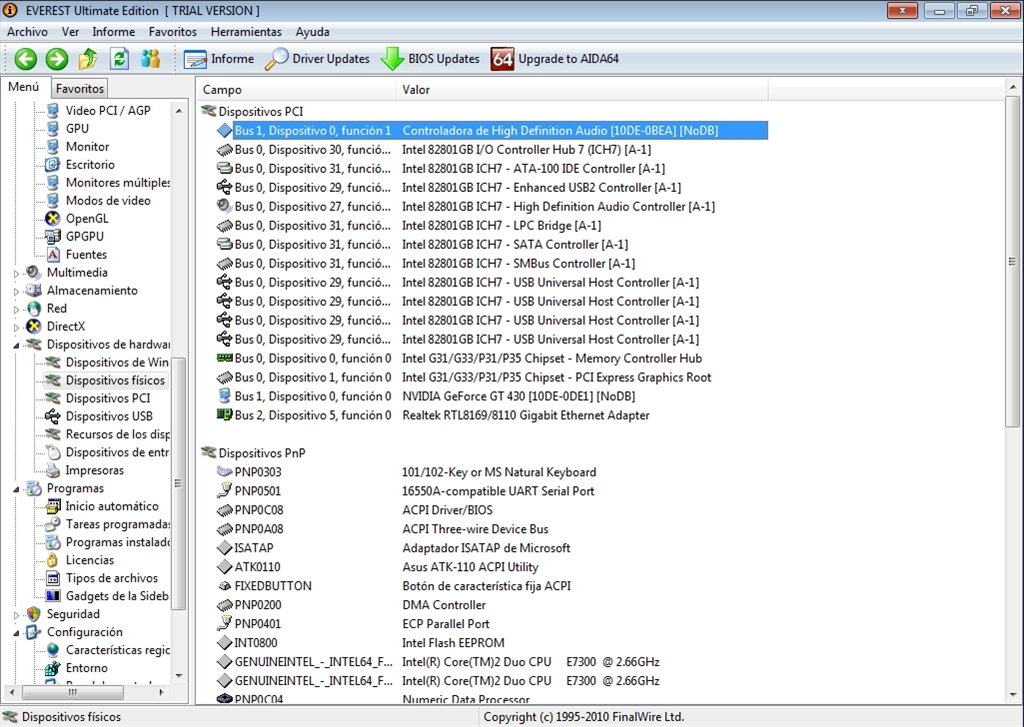
- Complete information about the hardware devices: Everest Ultimate detects all the computer's devices and shows complete information about them.
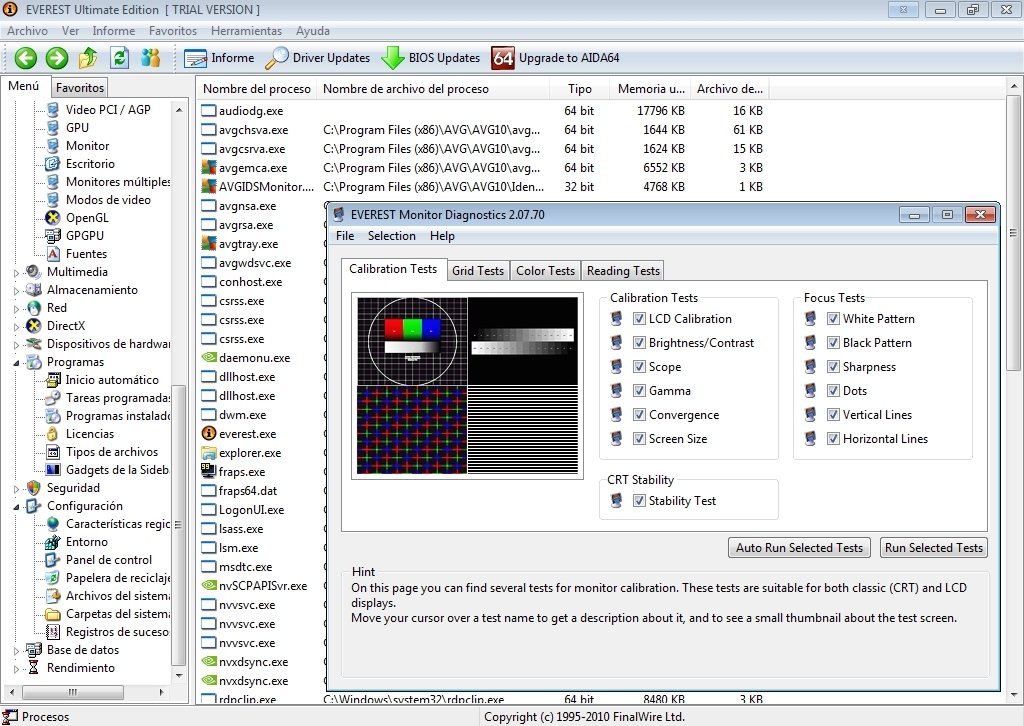
- Operating system and software installed: you'll be able to find out information about the operating system that you have installed, the processes that are currently running, about the programs installed and those that run when Windows starts up.
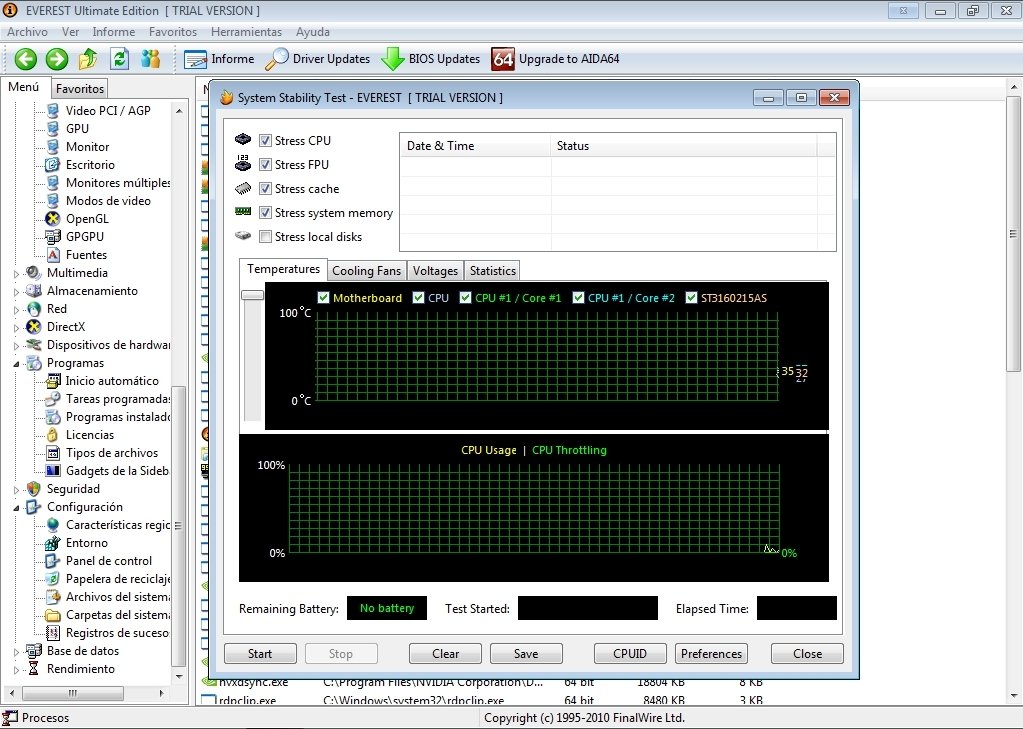
- Hardware monitoring: by means of this function you'll be able to control the status of your computer's components in real time.
- Speed and performance tests: complete memory and storage device tests to check out the PC's performance.
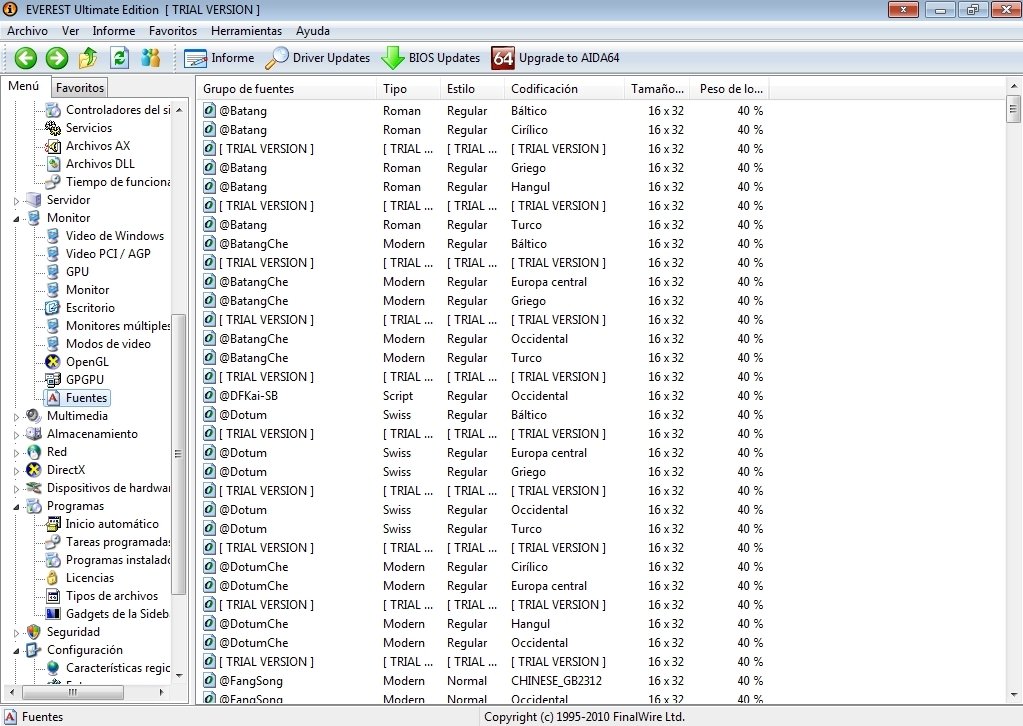
All these Everest Ultimate features are organized clearly on the program's interface, and they aren't at all difficult to use, even if you haven't got any previous knowledge about diagnostic applications.
Download Everest Ultimate Edition for free, the best tool to improve your computer's performance is to have as much information as possible.
Requirements and additional information:
- The trial period lasts for 30 days.
- Certain functions have been disabled.
 Leticia Sorivella
My name is Leticia. I really like movies, television, and music. That is why I studied Audiovisual Communication. In the beginning, I wanted to work in movies, but I ended up on television. Then, I went from being behind the cameras to being in...

Antony Peel